
Your own music library, anywhere.
Ondu is a self-hosted music library with official apps for iPhone and macOS. No third-party services, no analytics, no algorithms, no nonsense. I made it for myself, but maybe you'll like it too.
Try the beta on TestFlight Set up the server
Android users will need a little more patience, but it's coming soon.


Local-first
Ondu syncs your library metadata so browsing and searching your music feels instant (and works offline for downloaded music too).
Privacy
It never talks to external services, so your music library and play history only exists for you.
Native
The apps are written using SwiftUI on iPhone and a mix of SwiftUI and AppKit on macOS, aiming to deliver the best experience.
A player for every size
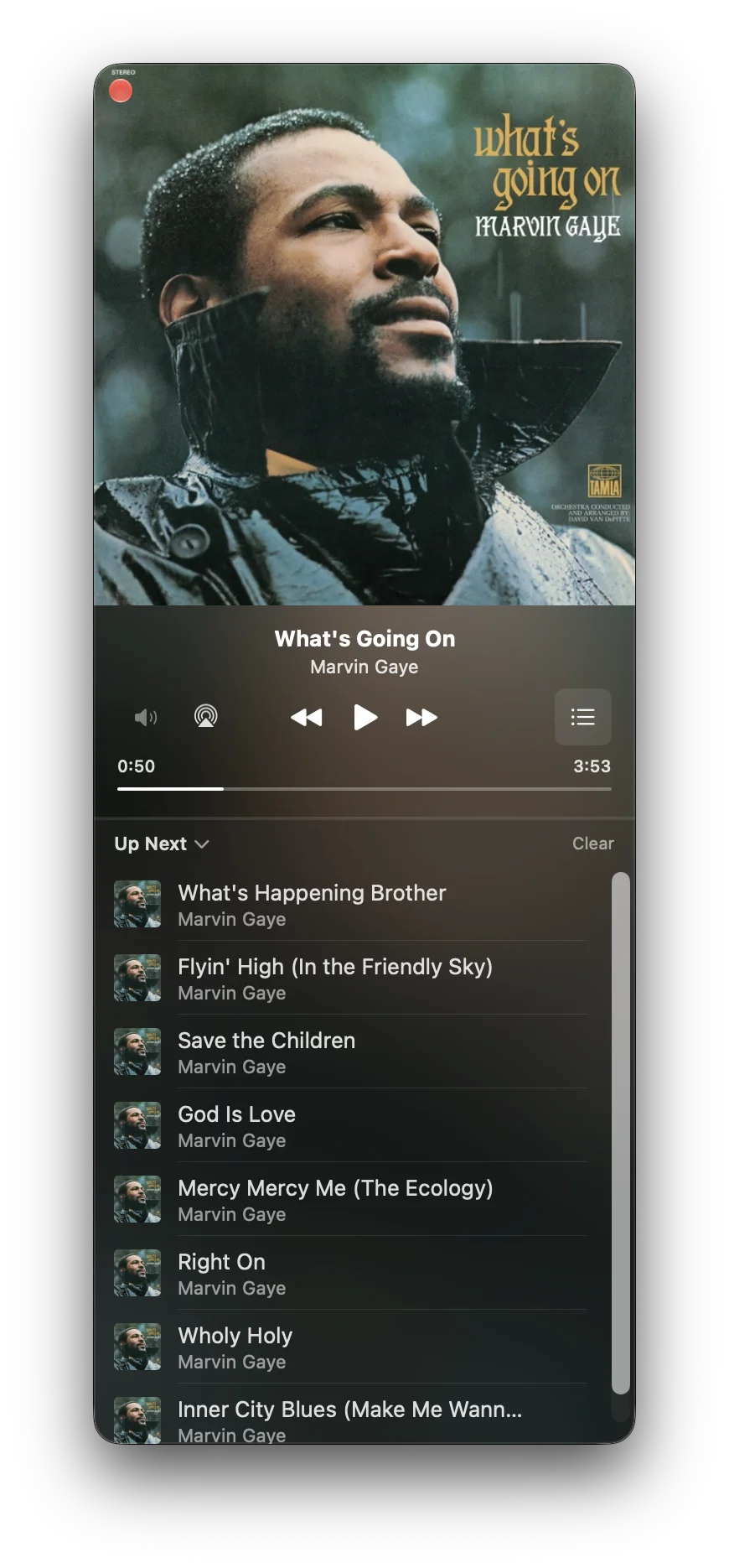
If you're like me, you'll love the mini player. There's a version for everyone, big and small. Always on top, if you want it to be. By default tinted with the album artwork, but you can disable that if you want.
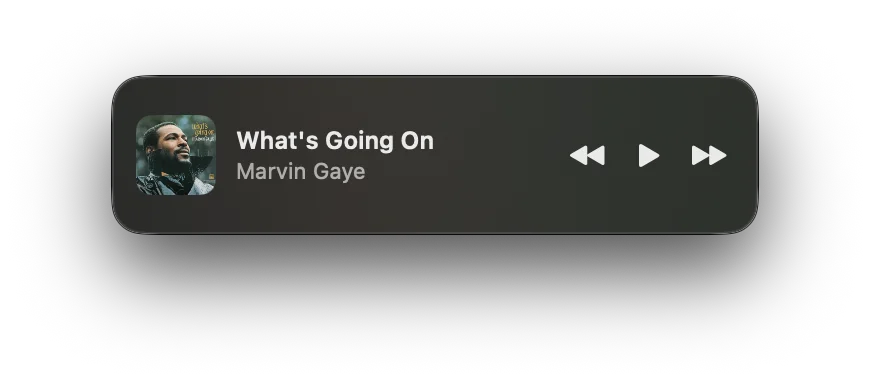
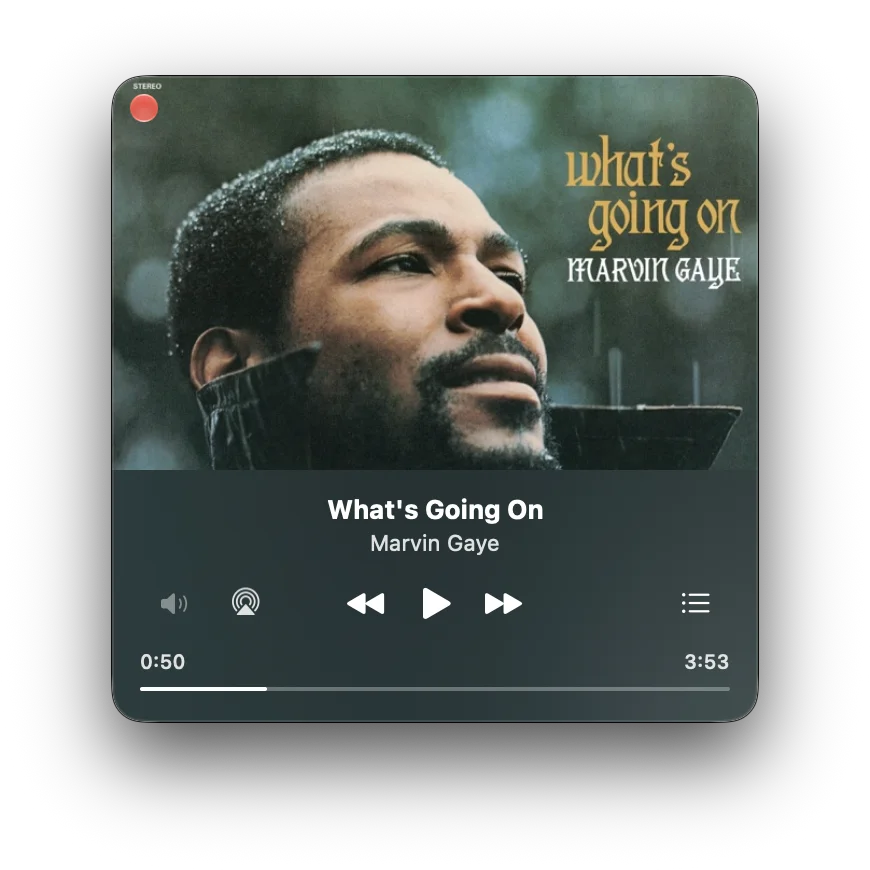
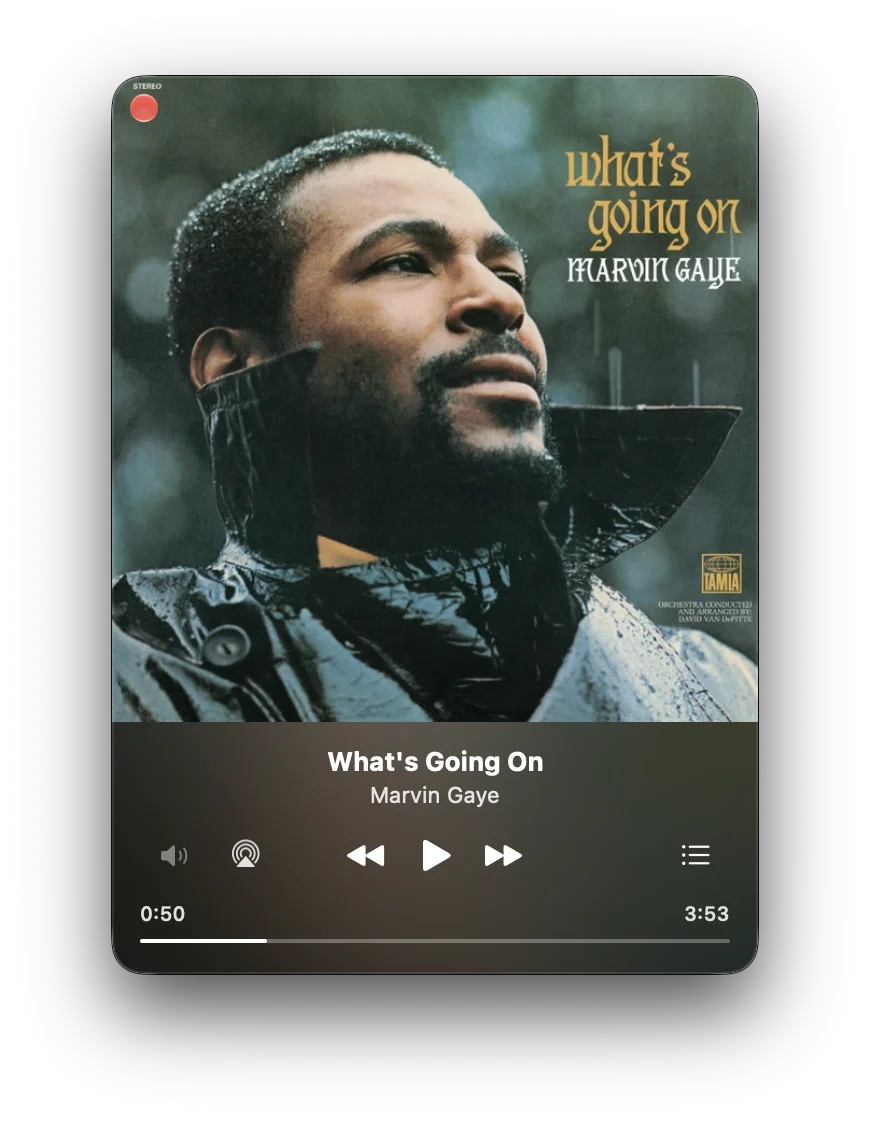
A simple API to play with
The server comes with an API (with OpenAPI spec) included and you can use it to access your music library, create playlists, and more. It's really fun to play with and even supports annotations to persist custom data.
- GET
/api/tracksPaginate through all the tracks in your library - POST
/api/playlistsCreate a playlist or a folder - PATCH
/api/playlists/{id}/itemsAdd, move or remove tracks in a playlist - PUT
/api/artists/{id}/artworkUpload a photo for an artist
Get started
Ondu comes in two parts: the server for your music, and the apps that play it.
Run the server
In Docker, on a NAS, your homelab or VPS. The setup guide takes you through it in four steps.
Read the setup guideGet the app
For iPhone with iOS 26.2 or later, or a Mac with macOS 15.7 or later. Sign in with your own server's address.
Join the TestFlight beta
The server also comes with a basic web player, for listening from any browser.